Frame
Define the audience, task and decision. Review what already exists, what is constrained and what would make the work useful.
BLURA · User experience & interface design
Research / Interaction / Visual systems
Good design brings the right things into focus. BLURA helps teams understand their users, untangle digital journeys and shape interfaces that make sense beyond the first impression.
Let’s look a little closer
Clarity is a design decision
A confusing screen is not always a visual problem. It may be asking the wrong question, using unfamiliar language or hiding the information someone needs. We look at the whole task before deciding what the interface should become.
Our work connects evidence, structure and visual detail. Each has a purpose. None is a substitute for the others.
Inside the practiceA connected design practice
Understand needs, language and the moments where a journey stops making sense. Turn observations into useful design decisions, with uncertainty left visible.
Give a complex task a clear sequence. Map the routes, work through the difficult states and make the next action understandable.
Make an idea tangible enough to question. Choose the level of fidelity that answers the question, rather than polishing every screen too early.
Create a shared visual and behavioural language. Components, states and usage guidance help the product stay coherent as it changes.
Find avoidable barriers in agreed journeys. Prioritised findings and practical recommendations support a more inclusive implementation.
Carry the intent beyond the design file. Responsive guidance, interaction notes and explicit open questions support a considered implementation.
Find the right kind of focus
Some teams need to understand a problem. Others have a clear direction but need to work through the detail. The useful starting point depends on the decision ahead, not the label on a deliverable.
This short guide suggests a way in. It is not an automatic proposal, estimate or promise of suitability. We would agree the actual question, scope and constraints together.
Your choice stays in this page. No answers are stored or sent.
Research with a reason
Analytics may show a point of departure. A conversation or observed task can help explain the context around it. We plan research around a decision, with questions, appropriate participants and a clear approach to handling consent and notes.
The output is a synthesis, not a collection of quotes arranged to support a preferred answer. We distinguish observations from interpretation and show what remains uncertain. A small study can reveal important problems without proving how common they are.
Evidence should change
the conversation.
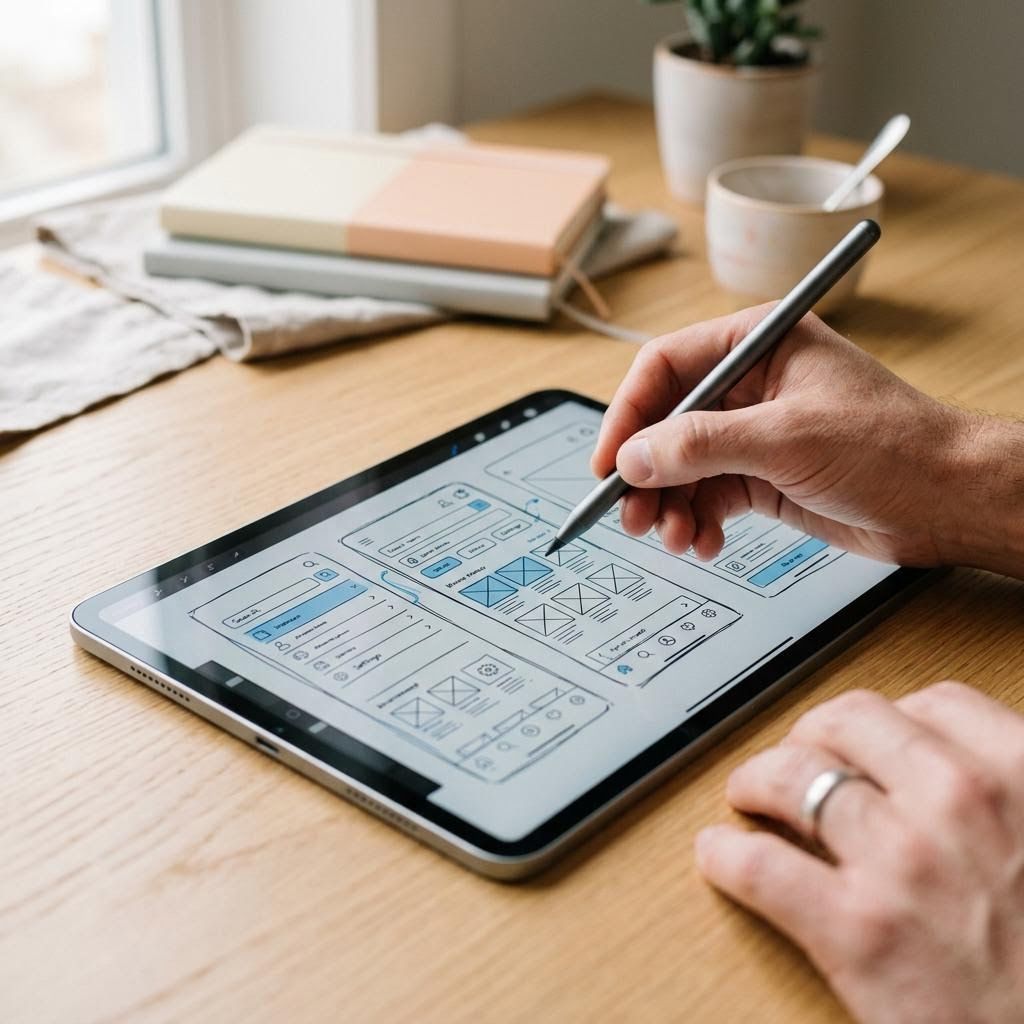
Prototypes, not premature products
A rough flow can be more useful than a polished screen when the underlying journey is unresolved. Later, a more realistic prototype helps people try a sequence and discuss the detail. Change the focus below to see what each level is for.
A clickable prototype simulates an experience. It does not imply a working backend, production accessibility or confirmed engineering feasibility. Those questions need their own review.
Use when the question is about the route, not the finish.
Design systems
It is knowing which patterns can be shared, where a variation is justified and how a new decision becomes part of the language.
We can help audit an existing interface, establish foundations and define a useful component set. States, content rules and ownership matter as much as colours and spacing. A library without guidance can create a new kind of inconsistency.
Build a shared languageAccessibility is part of the experience
Keyboard access, visible focus, meaningful labels, readable contrast and understandable error messages all influence whether someone can complete a task. We review agreed journeys, not just isolated screenshots.
Manual checks and appropriate automated tools complement one another. Neither a tool score nor a design file alone can establish the accessibility of an implemented product.
A useful review identifies the barrier, where it appears, why it matters and what could change. We prioritise findings within the agreed scope and distinguish design recommendations from implementation work.
A scoped review is not a legal opinion or a blanket compliance certificate. Testing in the finished product remains important.
Review the barriersDesign that travels well
An interface becomes real in implementation. The handover should make intent legible to the people building it, including the things a static screen cannot show.
A more useful handoverDocument agreed empty, loading, error and success states, along with responsive intent and relevant content limits. Avoid leaving the difficult moments to inference.
Surface assumptions, technical questions and dependencies. An honest open-questions list is more useful than a file that looks complete but conceals uncertainty.
Design review during implementation can help identify drift and necessary trade-offs. Its timing and scope should be planned, not assumed to be included indefinitely.
Working together
We agree a practical engagement around your question, available evidence and delivery context. No invented certainty. No mandatory bundle of every service.
Define the audience, task and decision. Review what already exists, what is constrained and what would make the work useful.
Choose the right research or design activity. Make assumptions visible and use review points to resolve questions while change is still manageable.
Refine the agreed direction, document decisions and check the result against the brief. Hand over the relevant files, guidance and remaining questions.
Before the first conversation
Yes. An engagement can focus on a particular journey, interface area or design-system problem. We would review existing materials, engineering constraints and decision ownership before agreeing the scope. We do not need to replace the whole product to improve a specific experience.
Not by default. Our scope is research, wireframes, interactive prototypes, design systems, accessibility reviews and developer handover. Any production code or implementation responsibility must be separately and explicitly agreed.
No. We can identify friction, articulate design decisions and help plan validation. Business outcomes depend on audience, offer, implementation and many other factors. We do not invent uplift figures or present illustrative imagery as client evidence.
A short description of the product, audience and decision ahead is enough. Mention existing research, delivery constraints and a relevant deadline. Do not submit confidential user records or sensitive research material through the enquiry form.
Bring the question into focus
A journey that feels harder than it should. A product idea that needs testing. A system ready for a clearer language. Tell us where things stand and what you need to decide.
Discuss a design project ↗For existing work, use design support. Monday–Friday, 09:00–18:00 Europe/London, with UK daylight saving observed.